

➔ TDIL: The Magic of Callable.bind in GDScript
TDIL: The Magic of Callable.bind in GDScript
Today I learned (TDIL) about a super helpful feature in GDScript: Callable.bind. If you’re working with signals in Godot and find yourself needing to pass additional data to a single handler, Callable.bind is your new best friend.
The Problem
In many UI setups, you might have multiple buttons that trigger the same function. However, these buttons often represent different actions or carry unique context. For example: A list of character abilities with each button corresponding to a specific skill. A menu system where each button navigates to a different scene or executes a unique task. The usual approach is to connect each button’s pressed signal to the same function. But how do you tell which button triggered the signal? And what if you need to pass more data (e.g., an ID, name, or reference) to your handler?
➔ Terrian 3D: Doing in game actions based on the texture the character is standing on
Terrian 3D: Doing in game actions based on the texture the character is standing on
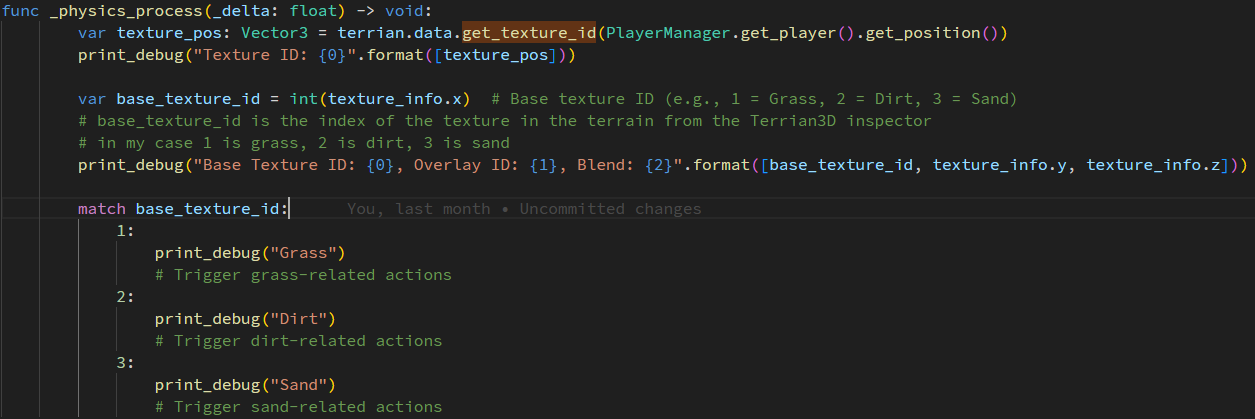
Enhance gameplay by triggering actions based on terrain textures. Use Terrian3D to fetch texture IDs at the player’s position:
get_texture_id() returns a Vector3 containg Vector3(base texture id, overlay id, blend value).
    @export var terrian:Terrain3D)
    func _physics_process(_delta: float) -> void:
        var texture_pos: Vector3 = terrian.data.get_texture_id(PlayerManager.get_player().get_position())
        print_debug("Texture ID: {0}".format([texture_pos]))

        var base_texture_id = int(texture_info.x)  # Base texture ID (e.g., 1 = Grass, 2 = Dirt, 3 = Sand)
        # base_texture_id is the index of the texture in the terrain from the Terrian3D inspector
        # in my case 1 is grass, 2 is dirt, 3 is sand
        print_debug("Base Texture ID: {0}, Overlay ID: {1}, Blend: {2}".format([base_texture_id, texture_info.y, texture_info.z]))

        match base_texture_id:
            1:
                print_debug("Grass")
                # Trigger grass-related actions
            2:
                print_debug("Dirt")
                # Trigger dirt-related actions
            3:
                print_debug("Sand")
                # Trigger sand-related actions
Use this to adjust movement speed, trigger sounds, or create particle effects for immersive gameplay. It’s simple yet powerful!